
Playfully compose unique designs by exploring
endless combinations of generative stencils, shapes, colors, motion, and modernist
text layouts.
A creative web tool that's as meditative
as it is productive, designed for discovery and precision.
Try for free
Create unique visual communication in motion
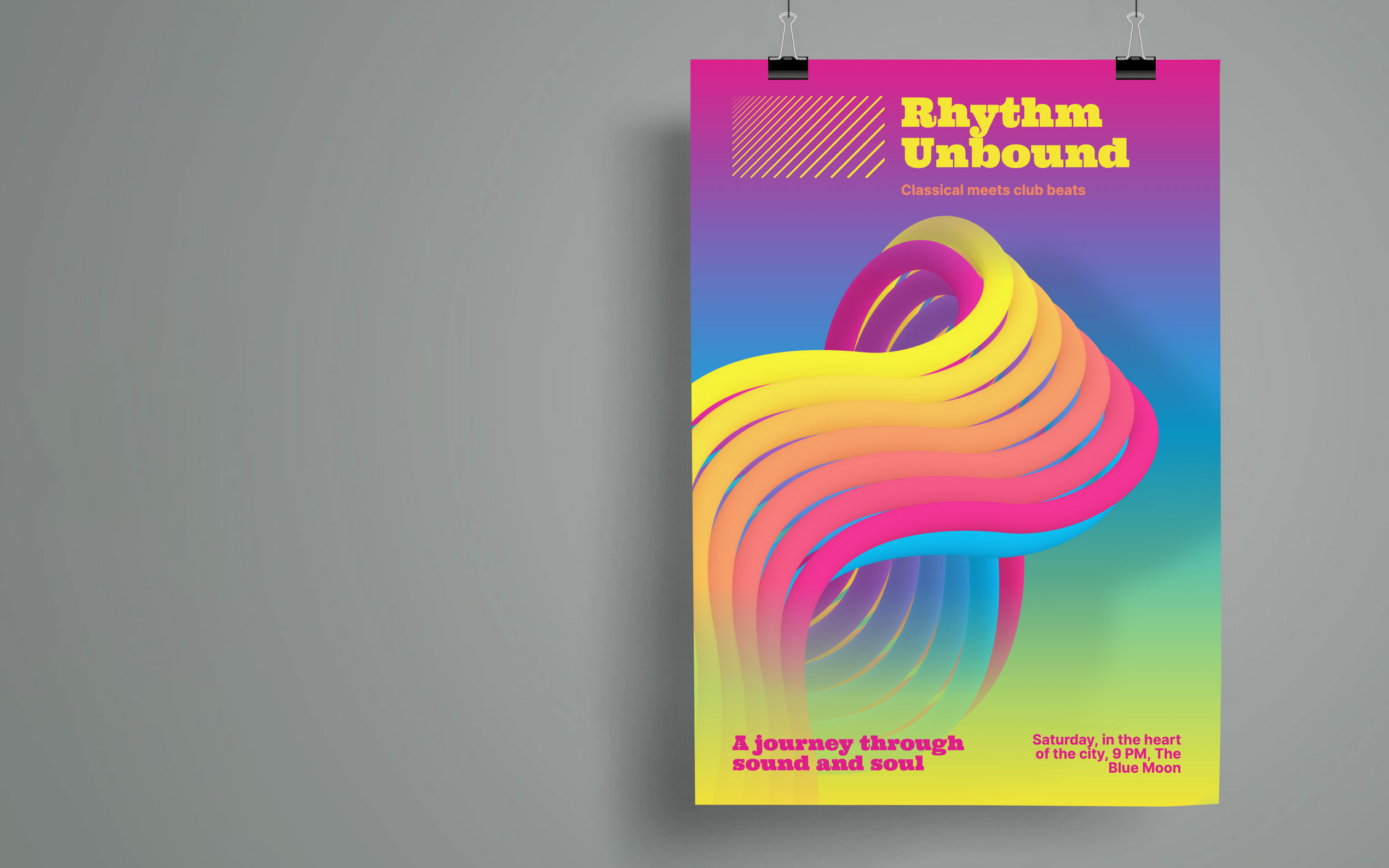
From bold posters, 3D optical illusions to
fine textures and
stylized backgrounds
0:00 /
0:00
Loading…
Use Cases
- Announcements
- Series
- Posters
- In Public
- Conferences
- Fun
- Art
- Brand Assets
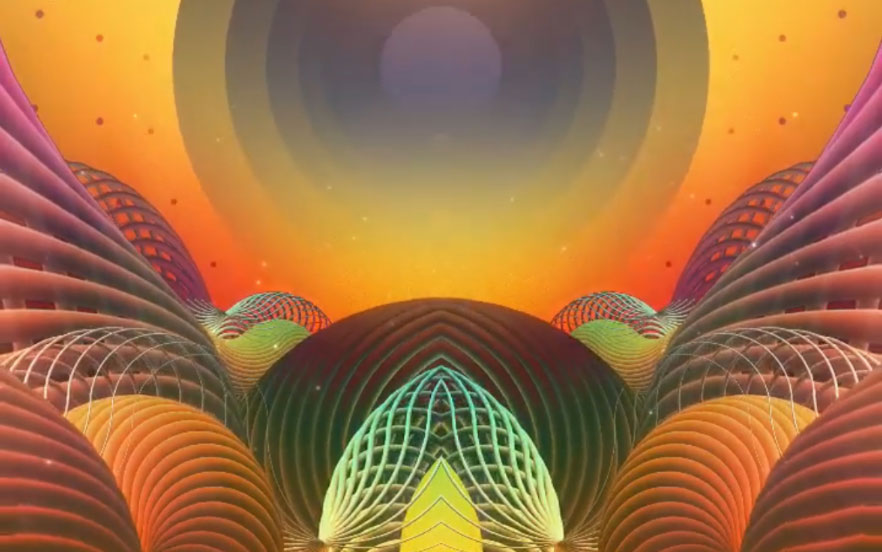
- VJ
- Music Videos

Whorl iOS TESTIMONIAL
I love Whorl
"This is a brilliant app. I have nothing but admiration for the makers of Whorl, this app has endless possibilities, whether you are professional or just trying digital art making for the first time.
It is endlessly fascinating to work with, producing both still and animated images."
Features
- Motion
- Randomization
- Modifiers
- Stencils
- Shapes
- Text
- Mirror
- Color
- Dimensions
- Export
 Randomization
Surprise, Spun Beautifully
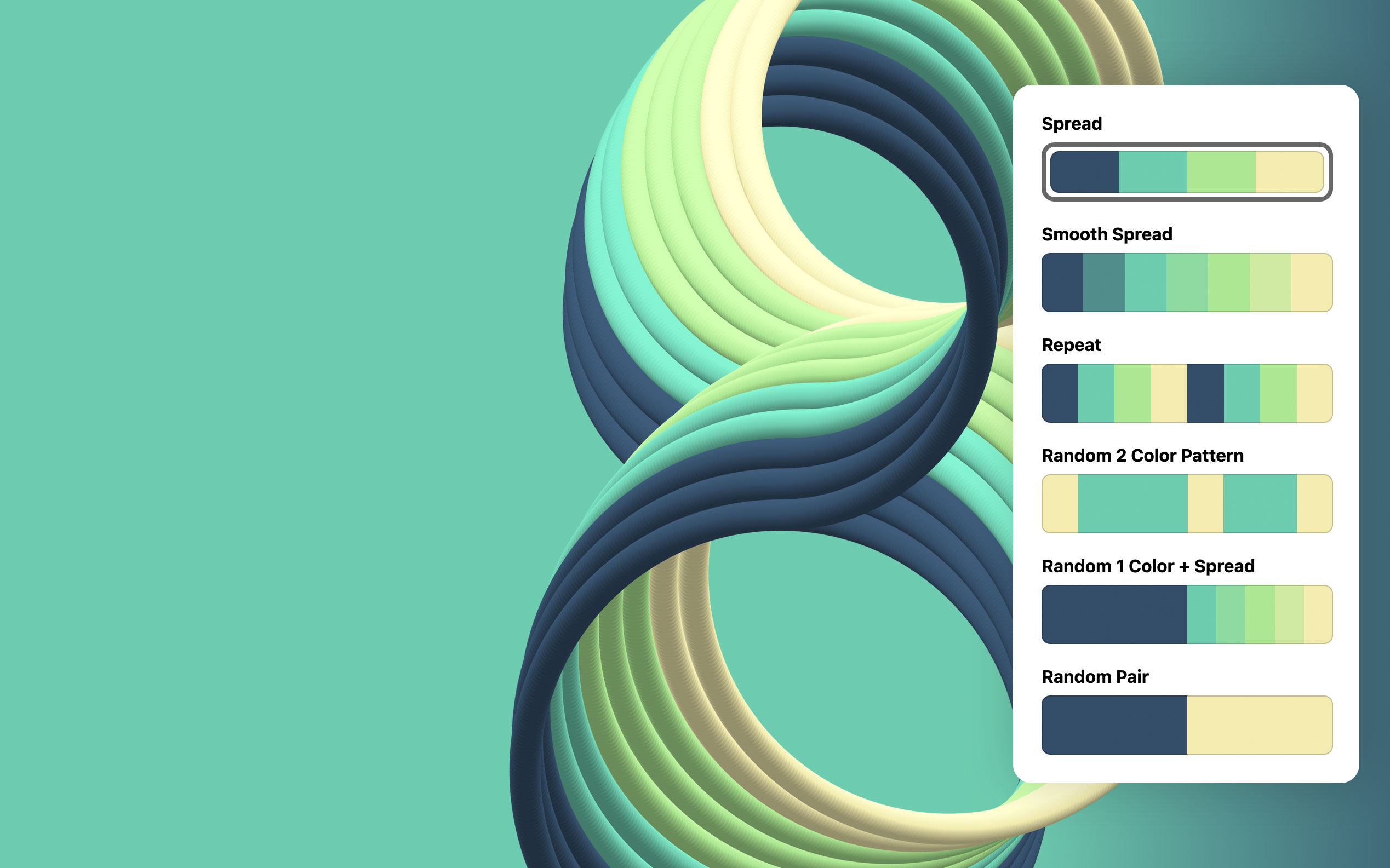
Randomization works at multiple levels, from full composition to more targeted adjustments of stencil, shape, modifiers, color, text and layout.
You choose where surprise should happen, using randomness as a playful way to explore new directions. Pick, refine, and combine the variations that resonate, shaping them into something uniquely your own.

To learn about Use Cases and Features view on a larger screen.